
Microchipping Dogs and Cats

As a veterinary assistant, I have seen the relief on a family’s face when a lost dog or cat is reunited because a microchip led straight to the right phone number. I have also seen the heartbreak when a pet had a chip, but the record was empty or outdated. The chip itself is only half the system. The other half is registration and keeping it current.
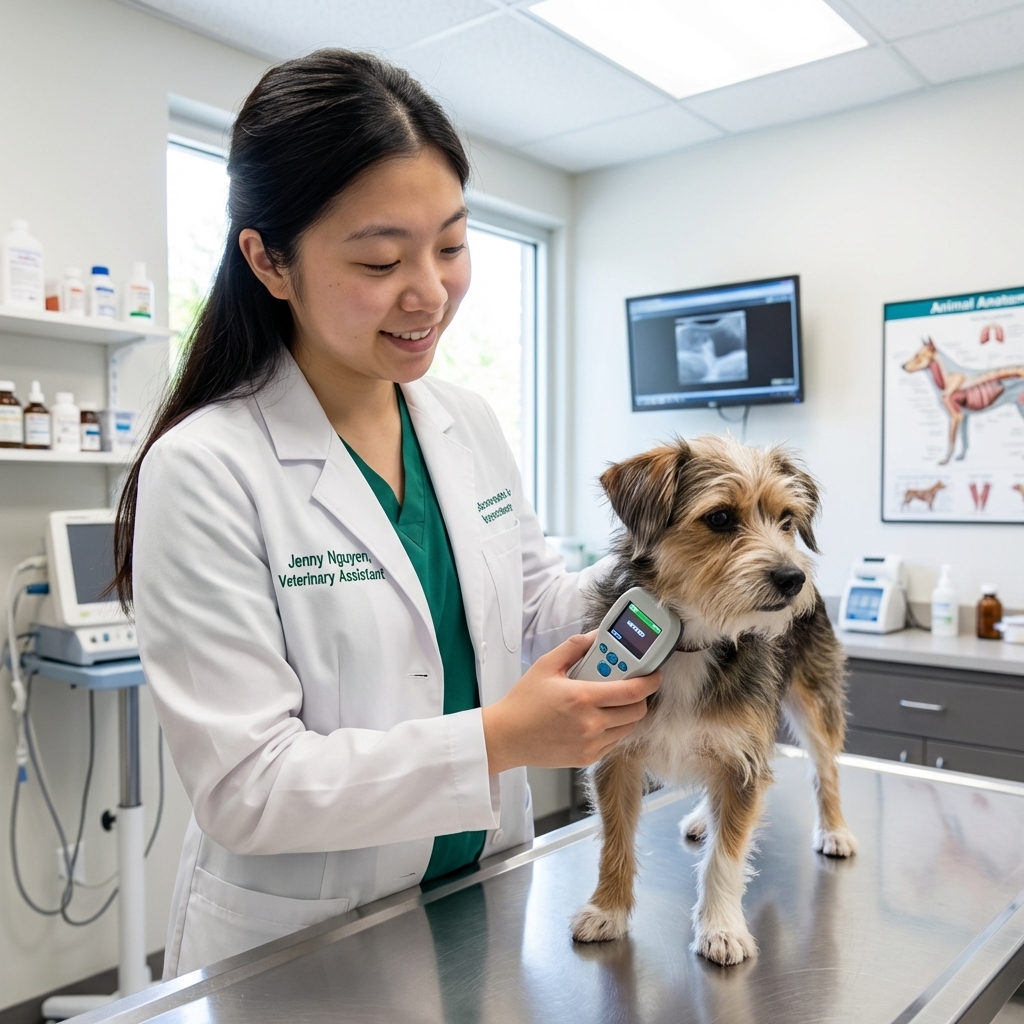
Below is a practical, evidence-based walkthrough of how microchipping works, what to ask your vet or shelter, and exactly what to do after a move, phone number change, or rehoming situation.
What a microchip is (and what it is not)
A pet microchip is a tiny, passive radio-frequency identification device that is implanted under the skin, usually between the shoulder blades. It contains a unique ID number that a scanner can read.
- It is not a GPS tracker. It does not show your pet’s location.
- It does not store your personal info. Your address and phone number live in a registration database, not inside the chip.
- It is not a substitute for a collar and tag. The best practice is both: a visible ID tag for quick returns and a microchip for permanent ID if the collar is lost.
Microchips are widely recommended by shelters and veterinary teams because they are durable, hard to lose, and typically last the pet’s lifetime when the record is kept updated (with the understanding that rare issues like migration or reading problems can happen).
How the microchipping procedure works
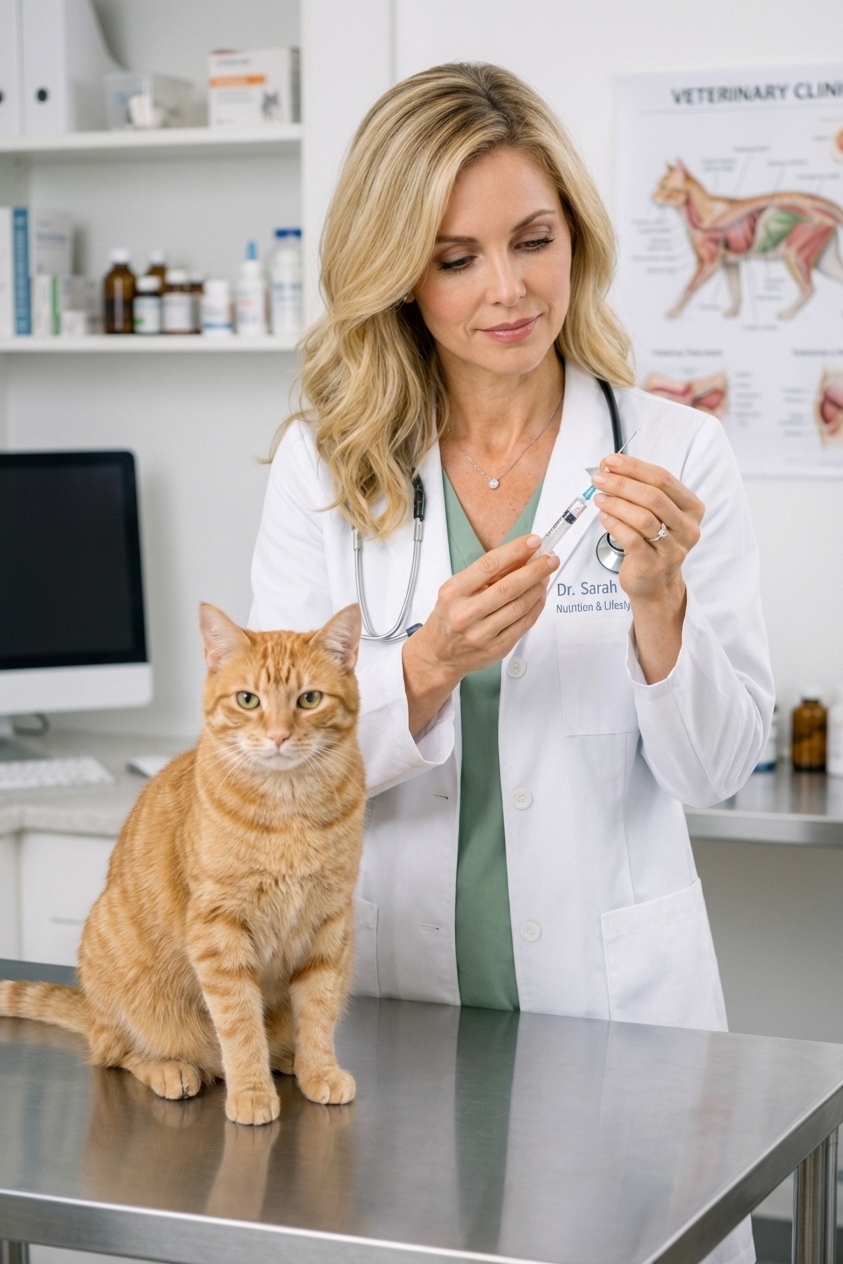
Microchipping is typically a quick, in-clinic procedure. The chip is placed with a sterile needle and syringe, similar to a vaccination. Most pets tolerate it very well.
What to expect
- Timing: Often done in minutes during a regular appointment, adoption intake, or spay and neuter surgery.
- Placement: Under the skin, usually between the shoulder blades.
- Comfort: A brief pinch. Mild soreness can occur but is uncommon.
- Aftercare: Generally none beyond normal observation. If you notice swelling, discharge, or persistent discomfort, call your veterinarian.
Before you leave the clinic
Ask the team to scan your pet in front of you and write down the chip number. You want to walk out with that number in your records.
Universal scanners and missed chips
You may hear the phrase “universal scanner,” but here is the practical reality: scanners and chip frequencies have changed over time. Many clinics and shelters now use multi-frequency scanners, but older equipment may not reliably read every chip, especially legacy 125 kHz or 128 kHz chips.
In North America, many modern chips follow the ISO standards (ISO 11784/11785) at 134.2 kHz. This is one reason you will still hear reminders to scan carefully and more than once.
That does not mean microchips are not worth it. It means we should be smart about how we use them.
How to reduce missed scans
- Scan more than once. In shelters and clinics, we often scan multiple times if a pet is found or presented as a stray.
- Scan the whole body, slowly. Chips can migrate slightly under the skin. A thorough scan should include the shoulders, neck, chest, sides, and along the back.
- Ask about scanner capability. If your pet has an older chip or you adopted years ago, it is fine to ask whether the clinic uses a scanner designed to read multiple frequencies.
If your pet is ever lost and later found, scanning is still one of the fastest ways to connect the pet to an owner, especially when collars are gone.
Registration: the step most people miss
Microchips only help when the ID number is linked to accurate contact information in a database. Many pets are microchipped but not properly registered, or the record still shows the shelter or breeder as the “primary.”
How to register correctly
- Find the chip number. It will be on adoption paperwork, vet records, or you can ask your vet to scan.
- Identify the chip brand and registry. Many chip manufacturers maintain a registry, but pets can also be listed in separate recovery databases.
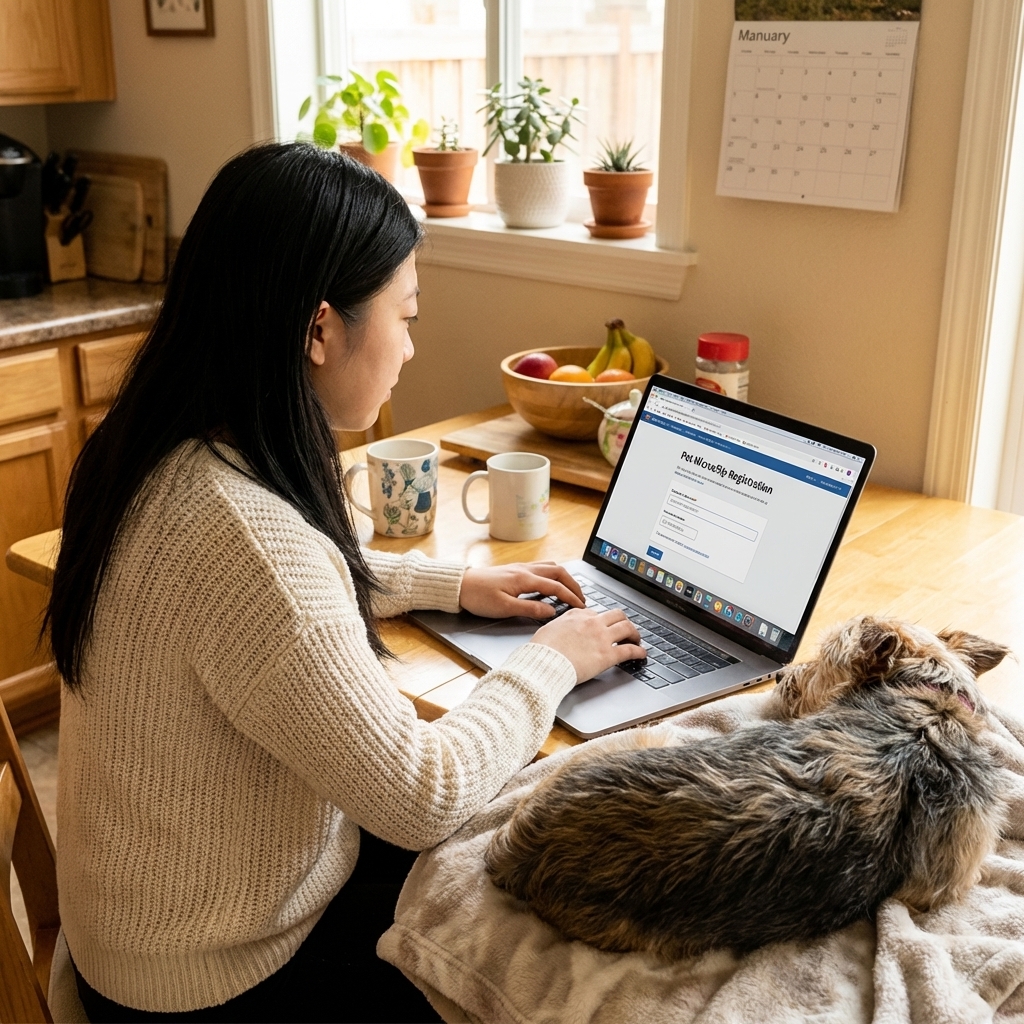
- Create an account and enter your info. Add multiple phone numbers if possible.
- Add a backup contact. A trusted friend or family member who will answer the phone if you are unreachable.
- Confirm the listing. Some systems send an email confirmation or require verification. Do not skip this step.
Tip: Keep a screenshot or PDF confirmation in your phone and a printed copy with your pet’s important papers.
Multiple databases: yes or no?
It can be helpful to list your pet in more than one reputable database, especially if your chip manufacturer’s registry is not the one commonly used by a shelter in another region. The goal is simple: when someone scans the chip number, they can quickly find a path to your current contact information.
A practical approach
- Start with the chip manufacturer registry listed on your paperwork, if available.
- Use a trusted lookup tool to see which registry is tied to the chip number and where it points. In North America, the AAHA Universal Pet Microchip Lookup is the gold standard starting place.
- Consider a second registry if you travel, move often, or adopted from a rescue with older paperwork.
What matters most is not how many databases you use, but that at least one has accurate, current information and is easy for shelters, vets, and finders (through those organizations) to access.
Costs and fees (what to expect)
Microchipping costs vary by region and clinic. As a general ballpark, you may see prices around $25 to $75 at many clinics, and shelters often include microchipping in the adoption fee.
Registration also varies. Some registries are free, and some charge for initial registration or for future changes. My practical take is this: choose a reputable option you can keep updated, and do not let a small fee be the reason a record stays outdated.
Keeping records current
In my experience, the most common reason microchips fail to reunite pets is simple: the phone number is disconnected or the address is old. Updating takes minutes and can make all the difference.
Update your record when you change
- Cell phone number
- Home phone number
- Address
- Emergency contact
- Pet’s status (for example, if a pet has passed away, marking it deceased can help prevent confusion or unwanted calls later)
Move-day checklist
- Update microchip registry contact info.
- Update rabies tag and city or county pet license info if required locally.
- Update your pet’s ID tag with the new phone number.
- Save the new address and contact info in your veterinarian’s records.
My simple habit: I suggest setting a calendar reminder every 6 to 12 months to log in and confirm everything is still correct.
One more habit that helps: Ask your vet to scan your pet at annual wellness visits. It is quick, and it confirms the chip is still readable and locatable.
Adopting, buying, or rehoming
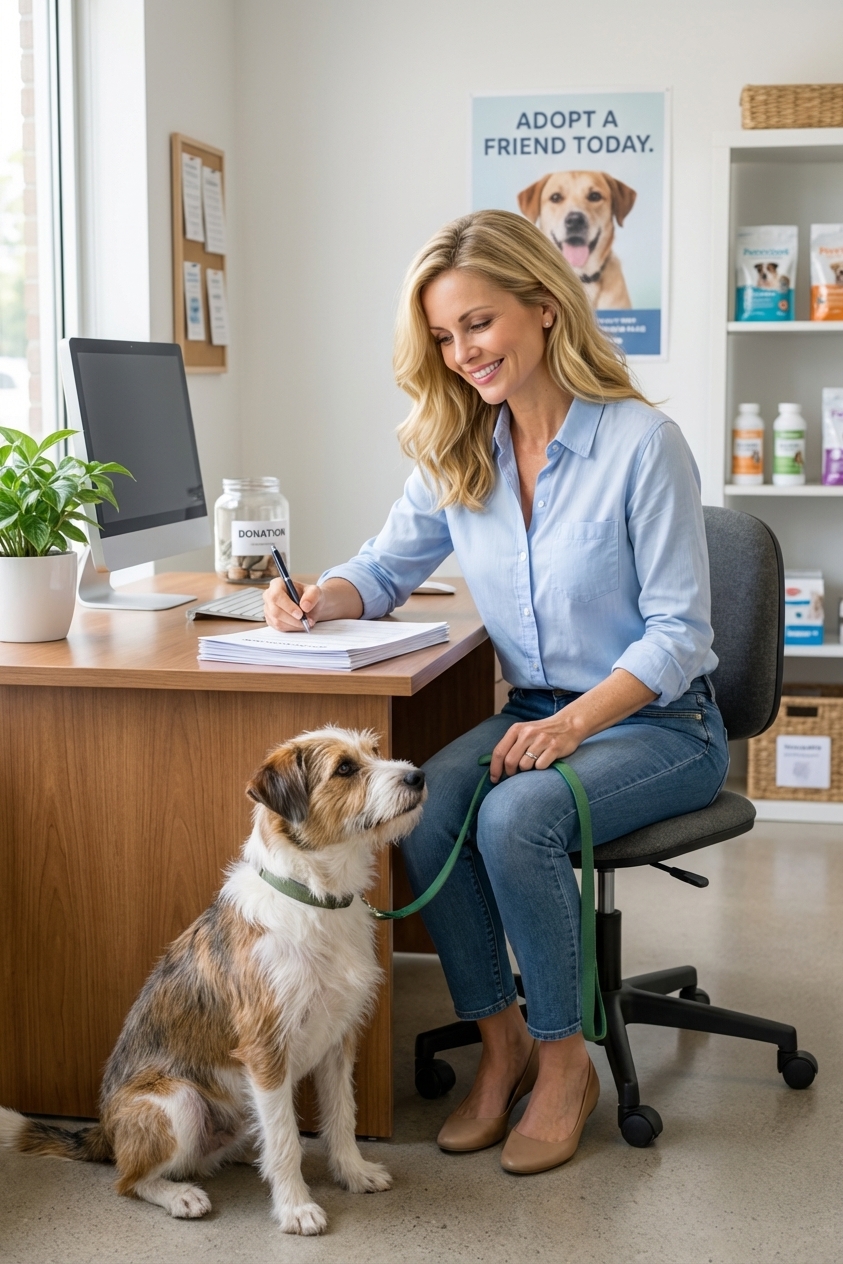
Microchip ownership changes are where things get messy fast. If you are adopting a designer mix or any dog or cat, you want to ensure the chip is not still tied to the breeder, prior owner, or rescue.
If you just adopted or purchased
- Ask for the chip number in writing.
- Verify the chip scans. Have your vet scan at the first wellness visit.
- Transfer the registration right away. Do not assume it was done for you.
- List both you and a backup contact.
If you are rehoming
Rehoming is emotional, and paperwork can slip. This checklist protects the pet and the new family.
- Give the new owner the chip number and the registry information.
- Complete the registry transfer according to that registry’s process.
- Confirm the update with an email or screenshot showing the new owner’s details.
- Remove your phone number once the transfer is confirmed, unless you are intentionally staying as the backup contact.
- Provide vet records and current medications, diet details, and behavioral notes.
If your pet is lost
If your pet goes missing, microchipping helps most when it is paired with fast, organized action.
Do these steps the same day
- Confirm your microchip record is current. Log in and double-check your phone number and address.
- Call the microchip registry and ask them to flag your pet as lost if that option exists.
- Notify local shelters and animal control. Provide the chip number and a clear photo.
- Contact local veterinary clinics in your area in case your pet is brought in injured or as a stray.
- Use recent photos that show face and body markings. Include approximate weight and any distinctive traits.
If your pet is found, ask the shelter or clinic to scan more than once, scan the entire body, and scan slowly. It is a small request that can change the outcome.
Microchip FAQs
Can a microchip fall out?
It is uncommon. Chips are designed to stay under the skin. Rarely, a chip can migrate slightly from the original spot, which is why a full-body scan matters.
Do microchips cause cancer or major health issues?
Serious complications are considered rare. In dogs and cats, clinically significant tumors reported near microchips appear to be very uncommon, and a clear cause-and-effect link is not established in most cases. If you ever notice a persistent lump, redness, or discomfort at the implant site, have your veterinarian examine it.
Should indoor cats be microchipped?
Yes. Indoor-only pets can slip out during storms, moves, or when guests come over. Microchipping is one of the best safety nets for indoor cats.
Is a GPS collar better than a microchip?
They do different jobs. A GPS collar can help you track in real time, but collars can be lost and batteries die. A microchip is permanent ID. For many families, the best solution is both.
Quick checklists
Microchip essentials
- Chip implanted
- Chip number saved in your phone
- Registration completed
- Backup contact added
- Vet scanned and confirmed chip reads
Annual microchip audit (5 minutes)
- Log into registry account
- Confirm phone numbers and address
- Confirm email access
- Confirm backup contact
- Ask your vet to scan at the next visit
Microchipping is a wonderful tool, but it only works as well as the information attached to it. If you do one thing today, log in and verify your contact details. It is simple, and it can be lifesaving.